Open Cydia,
Select the Manage tab and select Sources

Then in Sources, select Edit at the top-right corner,
and then select Add at the top-left corner,

Then enter Http://cydia.xsellize.com
and select Add Source

After Cydia downloads the releases
of the Repository, select
xSellize from the list

Then, scroll down to the F section and
find the package Firewall iP

After selecting it, select Install at the
top-right corner and install the package
(Mine says Modify since it's already
installed)

After Cydia installs it, and reboots
or resprings, go back to your home
screen, open the App Store & download
Textfree. After downloading, reboot
your iDevice to ensure that this works.
+++++++++++++++++
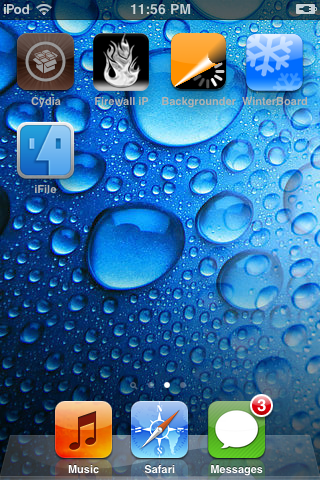
After rebooting, open up Firewall iP,
which is the Fire icon below.
Next, once opening Firewall iP, select Edit
in the top-left corner

Then select the + icon in the top-
right corner.
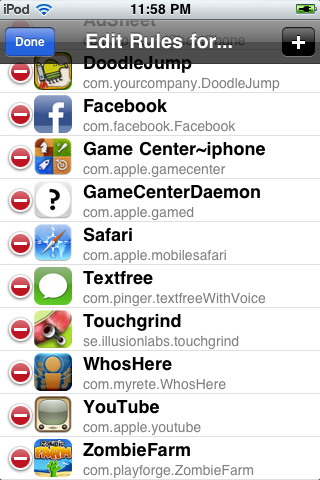
A list of your currently installed Apps
will pop-up. Select Textfree.
Once back on the list select Textfree
and tap the Always Deny button.
Next, enter in these URLs.

(Which are....
- ws1.tapjoyads.com
- ws.tapjoyads.com
- server.vdopia.com
- ads.pinger.com
Finally, open up Textfree and
click always allow whatever
connections popup. These are
connections that allow you
to text, chat and call.
Below is are two screen shots
proving that MY method works.


If you're having any issues with this,
feel free to text my Pinger number. Also,
please message me with a thank you
if this worked!
-TLM
